
For Anyone Looking To be Safe Online
"New Book Reveals A Counterintuitive Approach That Helps You Protect Your Digital Life Without Becoming a
Tech Expert"
While also helping you protect your bank accounts, your passwords, your private files, your
family photos, and your identity
Hit Play On The Video
What is Digital Fortress?
Digital Fortress is a counterintuitive approach to protecting your computer and online
accounts that allows you to build fourteen simple layers of protection around your money,
identity, family, files, passwords, email, and everyday digital life without confusing technical
jargon, expensive tools, or needing to become “the computer person.”
We achieve this by turning cybersecurity into a simple layered system you can follow one step
at a time without asking you to understand complex networks, memorize hacker terminology, or live in fear every time you use the internet.
And as a result, this frees you up to use your computer, email, banking, shopping, family
photos, and personal files with more confidence and less worry.
This is Digital Fortress.
Only a few days left

Before This Offer Expires!
Only $5.00 Today
(Save $32.00 today)
Download The eBook For $37 Just $5.00! Delivered instantly. Start reading in the next 2 minutes.
Now Available For Instant Download
100% secure 256-bit encrypted checkout

Backed by Our 100% Money Back Guarantee.

Digital Fortress is a shortcut
Before I created Digital Fortress, I watched normal people struggle with computer security
for years.
They knew their money, passwords, identity, and family photos mattered.
They knew scams were getting more convincing.
They knew one bad click, one reused password, one hacked email account, or one missing
backup could create a nightmare.
But every time they tried to fix it, the advice felt too technical, too scattered, too expensive, or too overwhelming.
Most people were told to “use strong passwords,” “install antivirus,” “be careful online,” and “turn on two-factor authentication.”
Helpful advice, yes.
But not a system.
So they got a deal they never signed up for:
More and more of their lives moved onto their computer, phone, browser, email, and cloud
accounts…
…but the instructions for protecting that life were written like they were meant for IT
departments.
Which led me to questioning the entire model.
What if normal people did not need a complicated cybersecurity education?
What if they needed a plain-English protection system?
What if computer safety was not about one magic tool, but fourteen simple layers?
After years of working around technology, automation, online accounts, business systems,
passwords, clients, family devices, and real-world digital messes, I reached a point where I
could explain the essentials in a way normal people could actually use.
Now, you have the opportunity to duplicate the entire Digital Fortress system by
downloading a $5.00 eBook called Digital Fortress.
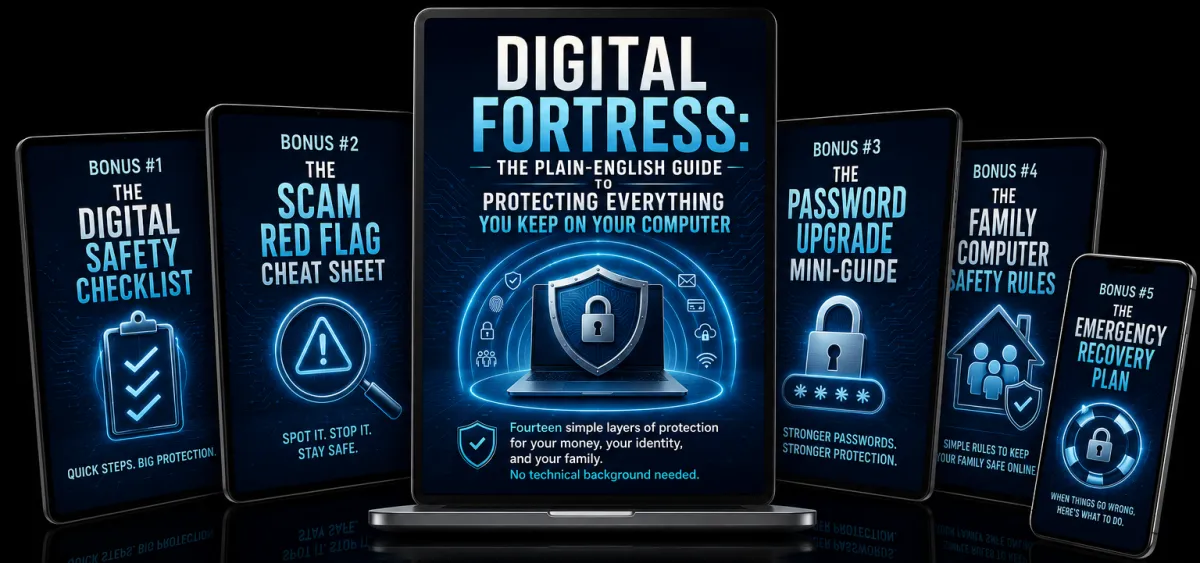
InCLUDED WITH YOUR ORDER

Digital Fortress
A simple eBook that walks you through fourteen layers of digital protection for your money, your identity, your family, and your files.
5 FREE Fast Action Bonuses
Bonus #1: The Digital Safety Checklist
A printable step-by-step checklist you can use to review your most important accounts, devices, passwords, backups, and browser settings.
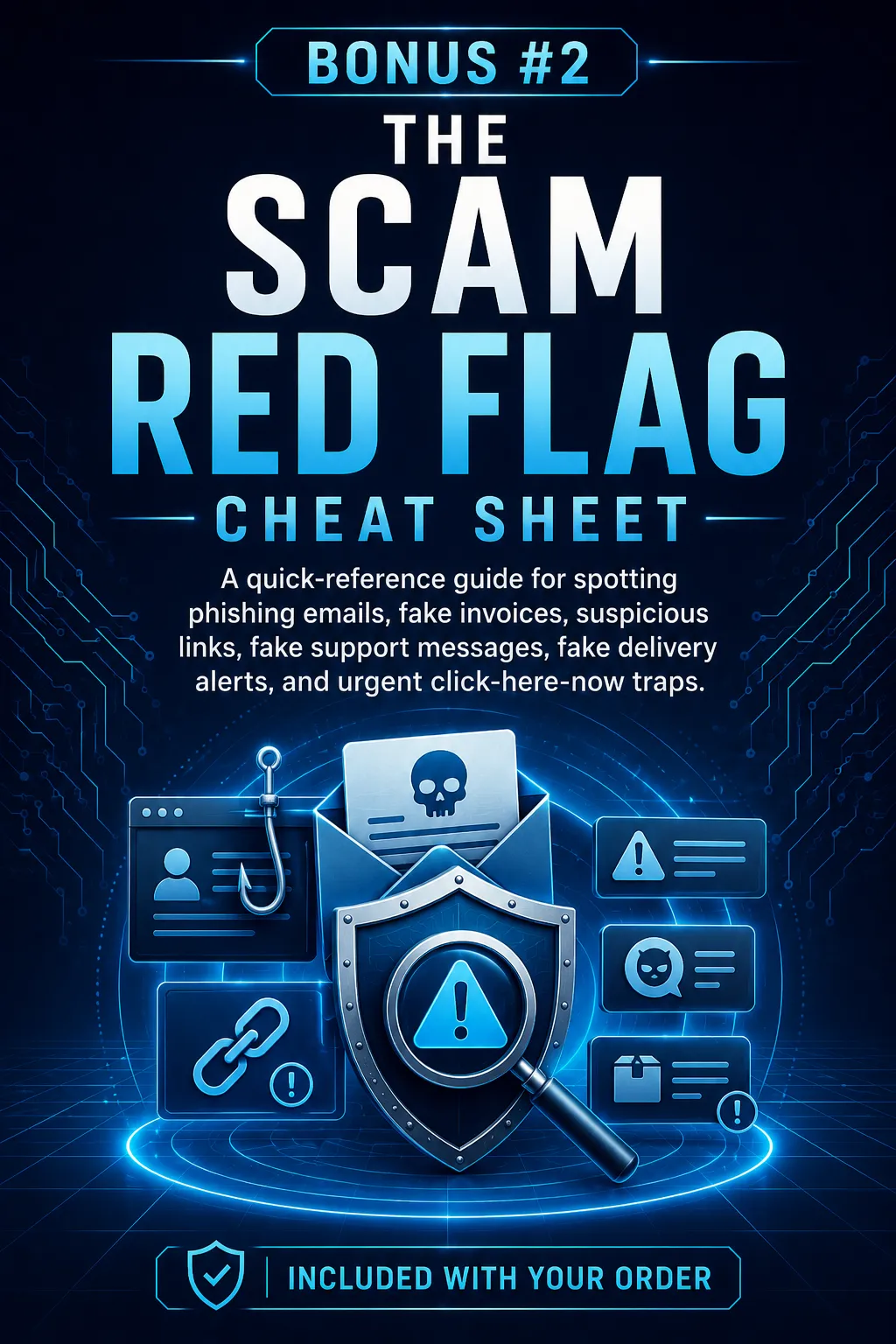
Bonus #2: The Scam Red Flag Cheat Sheet
A quick-reference guide for spotting phishing emails, fake invoices, suspicious links, fake support messages, fake delivery alerts, and urgent “click here now” traps.
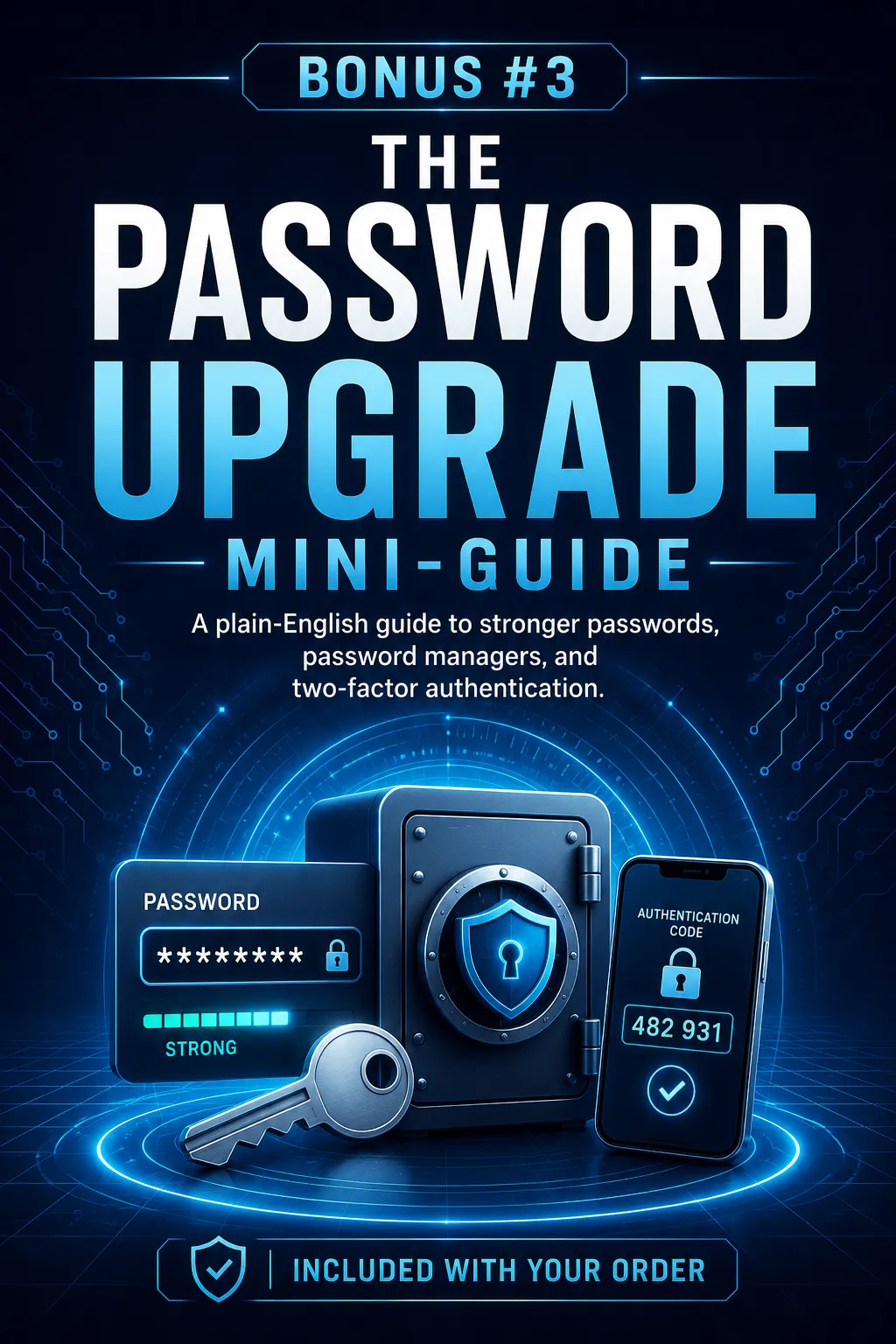
Bonus #3: The Password Upgrade Mini-Guide
A plain-English guide to stronger passwords, password managers, and two-factor authentication.
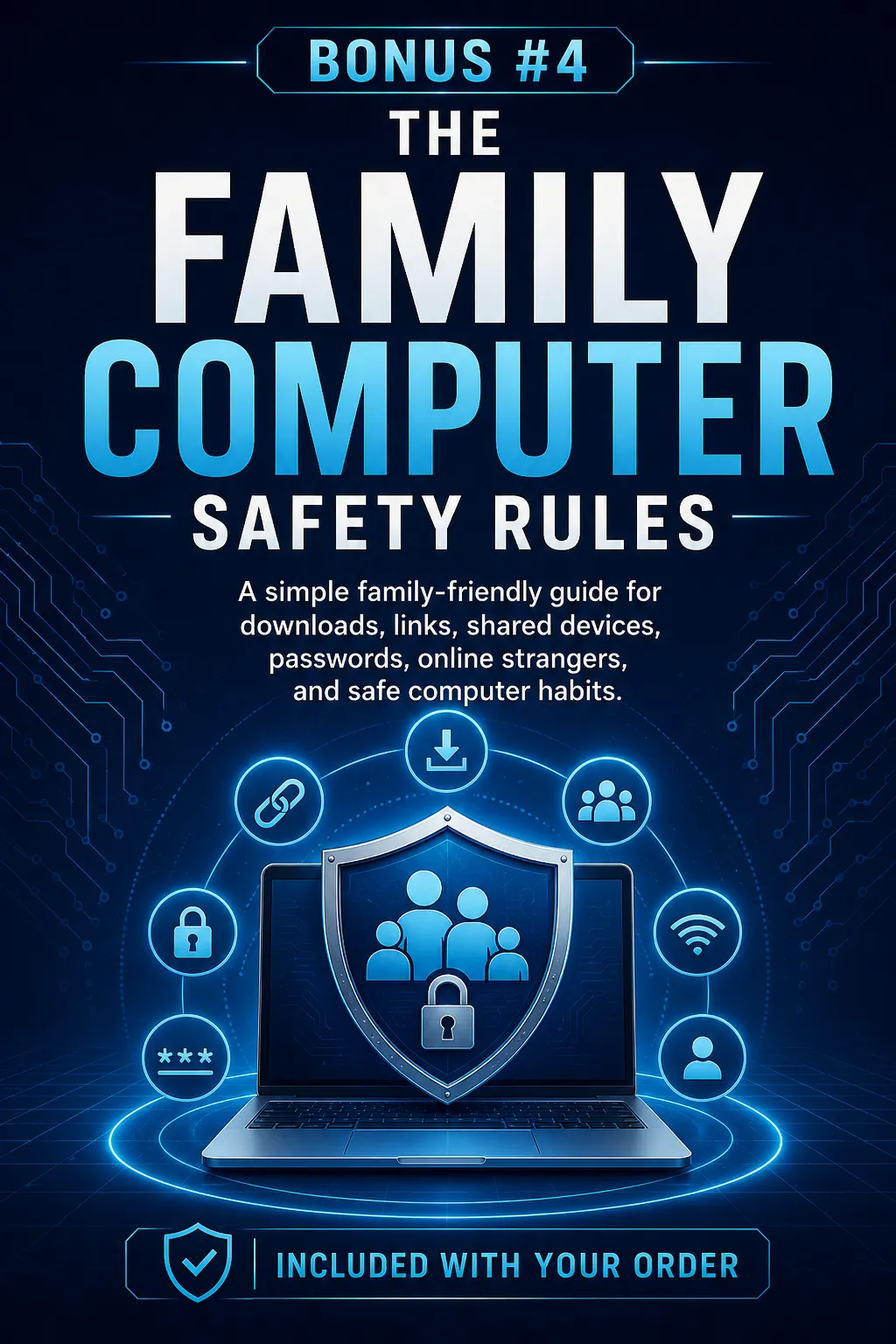
Bonus #4: The Family Computer Safety Rules
A simple family-friendly guide for downloads, links, shared devices, passwords, online strangers, and safe computer habits.
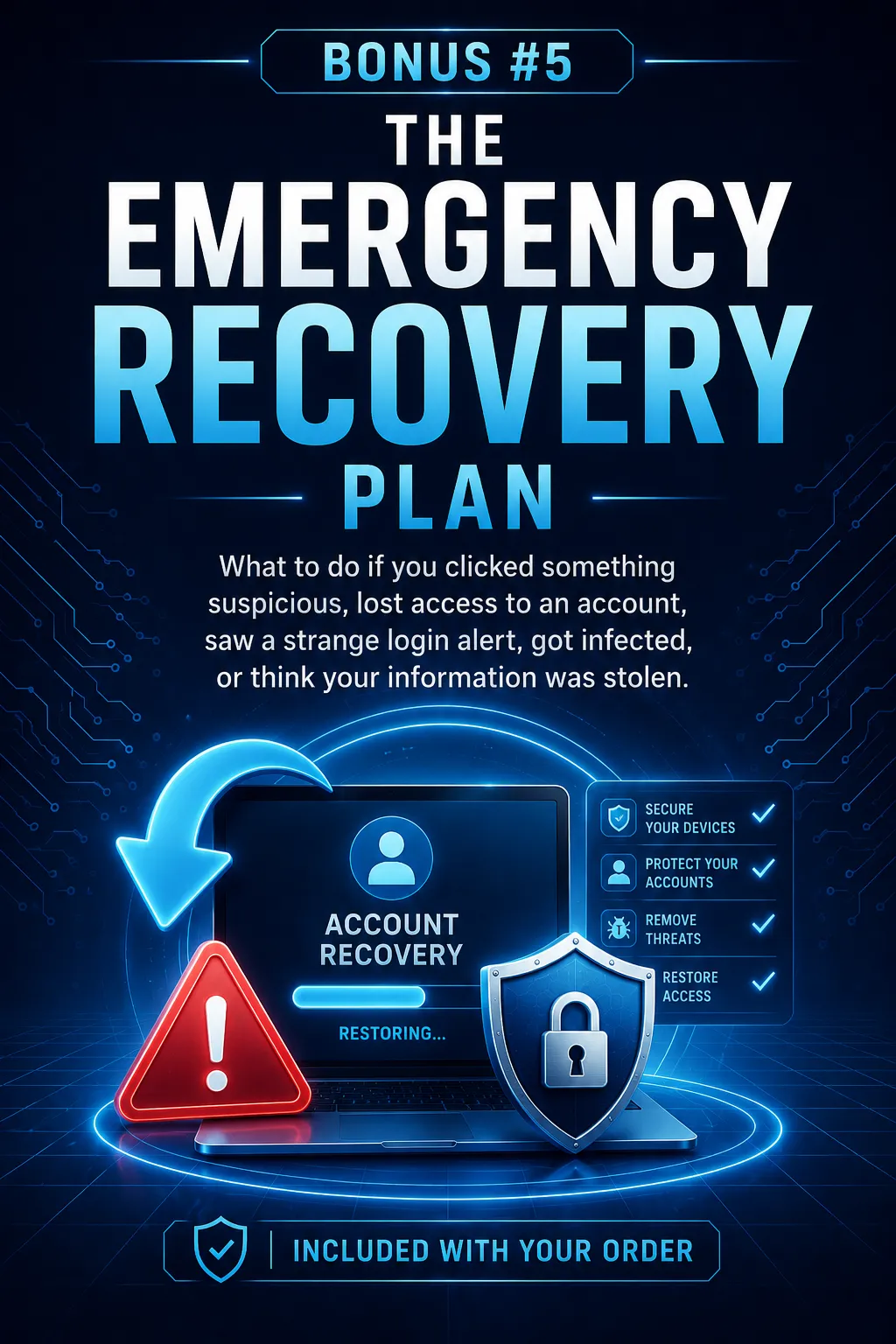
Bonus #5: The Emergency Recovery Plan
What to do if you clicked something suspicious, lost access to an account, saw a strange login alert, got infected, or think your information was stolen.
+ Helpful Security
Here's How I Went From Watching Normal
People Feel Exposed And Overwhelmed To Giving Them A Plain-English System
For Digital Protection By Ignoring The Common Wisdom, Breaking All The Rules, And Turning The Cybersecurity Model Upside Down
This Is Something Completely New, Completely Different, Completely Unlike Anything You've
Ever Heard of Before - Read The Story Below To Discover The Digital Fortress Advantage.
Dear Future Digital Fortress Owner
From: The laptop of Sage Michael
Re: Protecting everything important you keep on your computer
Would it surprise you to learn that you can make your digital life dramatically safer using the information revealed in this plain-English book?
Skeptical?
You should be.
After all, you can’t believe everything you read on the internet :-)
so let me prove it to you
But first, read this disclaimer:
I have the benefit of years spent working with technology, automation, online accounts, client systems, digital tools, websites, passwords, business software, and the everyday digital problems normal people run into.
The average person who buys any “how to” information gets little to no results. I’m using these references for example purposes only.
Your results will vary and depend on many factors …including but not limited to your background, experience, and work ethic.
All purchases entails risk as well as massive and consistent effort and action. If you're not willing to accept that, please DO NOT GET THIS eBOOK.
And yes, it took me time and energy to achieve my results.
With that said … let me jump right in and show you...
And I Did It By Using A Completely Counterintuitive Model That I’m About To Share With You On This Very Page…
The same Digital Fortress model that everyday computer users, parents, families,
freelancers, small business owners, and non-technical people can now use to protect their money, identity, files, and family.
...And in turn, reduce their biggest everyday digital risks faster than ever before.
All while avoiding confusing jargon, panic-based advice, and expensive overkill.
.And best of all, it gives them a practical system they can actually follow.
And you can BET...
This Digital Fortress model is unlike any method you heard of before…
…This is something completely different, because…
We do not focus on memorizing technical terms.
We do not focus on one magic antivirus tool.
We do not focus on fear.
We do not focus on complicated network settings.
We do not focus on turning your home into a corporate IT department.
In fact, we rarely, if ever, ask you to do anything that requires a technical background.
Instead, we use simple layers of protection that
make your whole digital life harder to break.
Like I said…
This is something completely different, and it has the power to change the way you think about your computer, your accounts, your money, and your family’s digital safety.
…and I know that’s true…
And I know that is true because it changed the way I explain digital security to normal people.
The Digital Fortress model allowed me to get rid of 99% of all the nonsense that I hated when it comes to Computer Security…
Guessing which advice actually matters
Trying to understand hacker jargon
Installing random tools without a plan
Reusing passwords because everything feels too complicated
Hoping antivirus alone is enough
Digital Fortress Freed Me From All That and It
Allowed Me To follow a simple protection system
instead.
Here’s what my life used to look like (and If you’ve ever tried to make your computer safer, then I’m sure you can relate)…
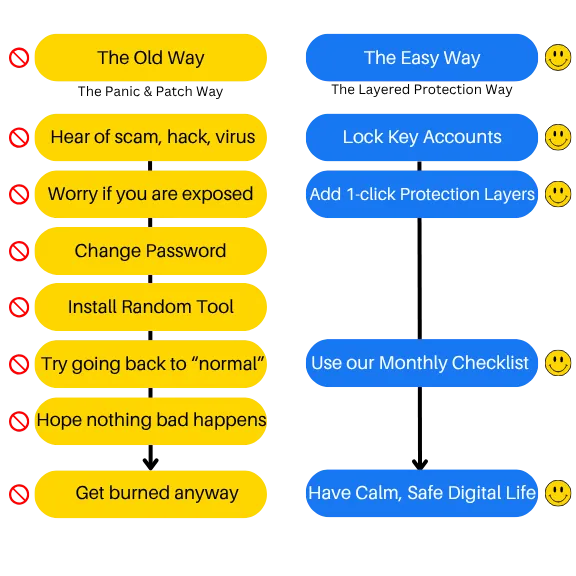
I call this the “Panic-And-Patch Cycle Of Doom”:
Step 1 — Hear about a new scam, breach, virus, or hacked account
Step 2 — Worry for a few minutes
Step 3 — Maybe change one password
Step 4 — Maybe install or update something
Step 5 — Get overwhelmed by conflicting advice
Step 6 — Go back to normal life
Step 7 — Hope nothing bad happens
Step 8 — Start over the next time scary news appears
The Panic-And-Patch Cycle Of Doom not only sucked, but kept me stuck for 3 years - forcing me to live with avoidable risk while still feeling like they are “doing something.”
To be honest…
...I almost gave up on this whole idea of helping people protect their computers.
... But before I gave up..
I wanted to try something.
Something that - if it worked.
It would change everything.
And as you're about to find out, what I tried...
... It worked...
And I spent years turning it into a system...
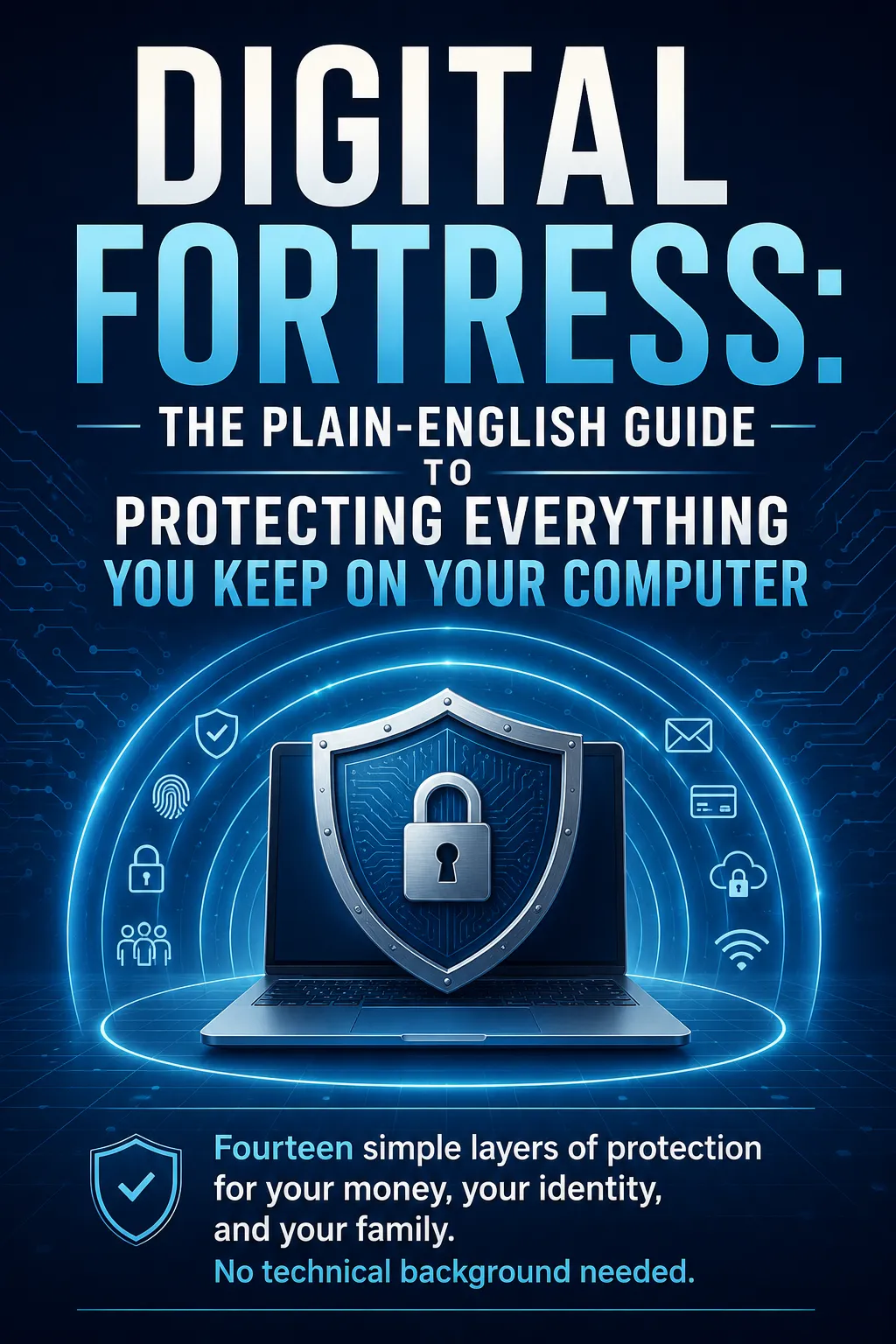
And I Put This Entire System In A Plain English book Called “Digital Fortress” And You Can Start Reading It In Just A Few Moments From Now…
But before you do.
I’d like to introduce myself and tell you about how all this came to be.
My name’s Sage…
I work around technology, Apps, Business Automation, websites, digital systems, client accounts,
email platforms--the works!
(and the everyday mess of modern online life)
My life’s pretty good.
But like most people, I also live in a world where more and more of what matters is stored digitally.
- Money.
- Documents.
- Photos.
- Accounts.
- Family information.
- Work.
- Passwords.
- Private messages.
- Business systems.
And I have seen the same pattern again and again:
Normal people are not careless and stupid.
They are exposed because the advice they are given is too fragmented, too technical, or too late.
As of writing this, I’m currently living in Spain.
And the more I work with people, families, businesses, and digital tools, the more obvious one thing becomes:
Most people do not need to become cybersecurity experts.
They need a plain-English system.
The Myth That Keeps People Exposed
There is a stupid myth out there that “being careful” is enough.
Well, sometimes it is not.
If you want to protect your money, identity, family, files, and digital life, “just be careful” is almost never a complete answer.
I know because I have seen what happens when people play by the rules and still get caught:
- They use the computer normally.
- They click a realistic-looking email.
- They reuse a password because remembering different passwords is annoying.
- They skip backups because nothing has gone wrong yet.
- They ignore updates because they are busy.
- They trust a fake support message because it looks official.
- They think the bank will catch everything.
- They think their email is not important.
- They think their old accounts do not matter.
And then one weak point opens the door to a much bigger problem.
I Ended Up Seeing The Same
Undesirable Results Again & Again
- People getting fake invoices.
- People clicking suspicious links.
- People losing files.
- People not knowing whether a message was real or fake.
- People with old passwords exposed in data breaches.
- People with no backup plan.
- People trying to protect family members after something already happened.
I hated it because most of this pain was avoidable.
Not always easy.
Not always perfect.
But often avoidable.
The problem was not that people needed more fear.
The problem was that they needed a better model.
So I started looking for a way to explain it.
And the model that finally made sense was this:
Your computer is not protected by one lock. It is protected by layers.
The Fourteen-Layer Digital Fortress System is
One Of The Most Practical And Easy-to-Use ways
To Protect Your Computer & Online Life
Just think about it:
If one password gets exposed, should that compromise your whole life?
No — not if your passwords are unique and your important accounts use two-factor
authentication.
If your computer dies tomorrow, should your family photos and documents disappear?
No — not if you have a simple backup system.
If someone sends a fake bank email, should panic decide what happens next?
No — not if you know the red flags.
If your family shares devices, downloads files, and clicks links, should everyone be guessing
the rules?
No — a few simple rules can prevent a lot of trouble.
If your email account controls your password resets, should it be treated like an ordinary
account?
No — it should be treated like the master key to your digital life.
The Fourteen-Layer Digital Fortress system was the perfect model for me because it does not ask you
to solve everything at once!
And the best part that attracted me to doing it this way?
You Don’t Even Have To Become Technical
Which means you can protect the most important parts of your digital life even if you hate
computer jargon...
All you have to do is follow the layers in order.
And that was the birth of
The Digital Fortress System
After doing a bit of research - I started breaking Digital Safety into Layers
- I had no interest in making this sound more complicated than it needed to be.
- I had no interest in writing for cybersecurity professionals.
- I had no interest in scaring people for the sake of scaring them.
All I wanted was a practical guide that a normal person could read and use.
Here is what the “before” scenario looked like for most people:
- They had important things on their computer
- They had important accounts online
- They had passwords everywhere
- They had email controlling almost everything
- They had family members using devices
- They had no clear system
- They had no emergency plan
And even though they had the little advantage of knowing this stuff mattered,
they still had to figure out what to do first.
Looking back, the process of simplifying all of this was harder than expected.
- Late nights.
- Hard work.
- Stress.
- Cutting jargon.
- Reordering steps.
- Turning technical ideas into plain English.
- Removing anything that did not help the reader act.
That was the work.
But thankfully, it turned into a simple model.
And once you see the model, it is hard to unsee it.
That was Long, LONG ago, And fast forward to today
and it almost seems like a bad dream
The Main Difference Between
The Digital Fortress Model & The Old Way
The old way says:
“Install a tool and hope you are safe.”
The Digital Fortress model says:
“Build simple layers so one mistake does not expose everything.”
Rather than doing all those things I told you about, here’s what it looks like now..
Protect your email first
Fix your passwords
Turn on two-factor authentication
Secure your money accounts
Back up your files
Update your devices
Use safer browsing habits
Learn scam red flags
Secure your home Wi-Fi
Protect family devices
Clean up old accounts
Prepare for emergencies
Maintain the system monthly
And The Result Of Using This New Way?
- You stop guessing.
- You stop relying on one tool.
- You stop living in the panic-and-patch cycle.
- You start knowing what matters and why.
Which Naturally Leads To...
More confidence, less confusion, and a more protected digital life.
The really cool thing is that if you follow every step taught in the book, you end up with a
practical security system that actually makes sense.
But it is much more than that.
It is a new perspective on your computer:
Your computer is not just a machine.
It is where your modern life lives.
So it deserves a fortress.
The really cool thing is that…
If you follow every single step that I teach, you end up with exactly that...
But it’s much more than that..
How Many Computer Security Fads
Have You Seen Come And Go?
People buy whatever antivirus is advertised the most.
- Or they use the same password everywhere and hope nothing happens.
- Or they turn on a few settings without understanding what they protect.
- But the core principles remain the same:
Protect access.
Protect money.
Protect files.
Protect identity.
Protect family.
Prepare for Mistakes.
The #1 Mistake Everyone Else Makes is
They treat cybersecurity like a product instead of a system.
Here’s why:
- There are two types of everyday computer users.
- There are the Hope-And-Pray Users and there are the Layered Protection Users.
- For years, most people have been Hope-And-Pray Users.
- They are always trying to find the one thing that will make them safe.
- Their strategy is to try to install something, remember a few tips, and hope nothing bad happens.
And by focusing on this strategy, they spend a ton of time on things that do not create a complete system:
Comparing tools without fixing passwords
Worrying about hackers without backing up files
Reading scary articles without securing email
Ignoring old accounts that still expose them
All of this requires time and energy.
The problem is not that tools are bad.
The problem is that tools without a system create false confidence.
And this is exactly what Digital Fortress fixes.
The solution?
Use Layers
That's right...
I said it, We protect your digital life with simple layers instead of one magic answer.
Because I would rather help you reduce your biggest real risks with clear steps than bury you in complex advice you will never use.
No thanks. I did that before and it sucks.
So here's the deal...
...I explain everything in Digital Fortress, it's a plain-English book that shows you everything you need to know.
The Big Idea Behind
The Digital Fortress
Model
Right now, as you are reading this page, there is a lot of activity happening in the world of digital crime, online scams, identity theft, phishing, data breaches, malware, fake support messages, account takeovers, and stolen passwords.
More of life has moved online:
- Banking moved online.
- Shopping moved online.
- Photos moved online.
- Work moved online.
- Family communication moved online.
- Medical portals moved online.
- Government records moved online.
- School accounts moved online.
And this has created a huge problem:
Normal people are carrying more digital risk than ever before.
Most of these everyday computer users are looking for a simple solution.
And as you may have guessed, Digital Fortress gives them one.
What is really cool is that this solution is better for the customer than the old model because it does not require them to become technical.
That's Right - given a choice, most people would rather follow a simple layered checklist than try to understand cybersecurity like a professional.
And that's where Digital Fortress comes in...
It does this beautifully in just a few easy steps...
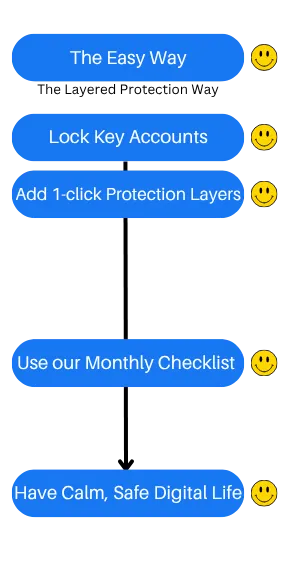
And that’s the difference here.
When you protect your digital life using this model, your protection is more complete, more understandable, and easier to maintain.
When you use the old model instead, you tend to fix one thing, ignore ten others, and hope for the best.
I am not saying antivirus is bad.
I am saying that if your goal is to protect your money, identity, family, and files, antivirus alone
might be the thing that gives you false confidence.
The old way requires sorting through complicated advice, scary headlines, conflicting recommendations, technical language, and endless tools.
The Digital Fortress approach just requires following the fourteen layers one at a time.
And that's why this is different.
And you know what? I'll Stake My Entire Reputation On This One Promise
You can understand how to protect your computer and digital life better than most people.
And once you start using the Digital Fortress model, getting a basic digital protection system in place is not something you need to keep worrying about forever.
It becomes a set of simple habits, settings, checks, and routines.
Here is what I want you to do now:
Set your calendar for 30 days from today.
Because if you implement what I share in Digital Fortress, that is when you should be able to look back and see your first real improvements:
- Stronger account protection
- Cleaner passwords
- Better backups
- Safer browsing habits
- Scam awareness
- A recovery plan
- More confidence using your computer
That is how straightforward this is.
I know how ridiculous that sounds…and cliche that sounds…
And Just A Few Years Ago… i’d Tell You That You’re Crazy
If You’d Ever Believe Such a Model Existed…
…But, today I know better.
Listen:
I do not care how many times you have tried to “get serious” about protecting your computer.
Anyone can build a safer digital life with the right model.
Ultimately I want you to know one thing..
If I Can Do This, So Can You!
Just like so many of our other customers are doing it too right now as well
and here's another reason
you too can do this
There Is Nothing Left For You To Figure Out
I already did all of the hard work for you.
It took time to turn this into a plain-English system.
And it took more time to simplify it without making it useless.
I figured it all out.
Which means...there’s nothing for you to “figure out”.
You just need to download this book and most important of all - implement it!
That’s it…
Here’s The Exact 14-Step System
Revealed In The Digital Fortress Book For
Protecting Your Money, Identity, Family,
Files, And Computer
Step 1 — Know What You Are Protecting
Identify the accounts, files, devices, and information that matter most.
Step 2 — Secure Your Email First
Protect the master key that controls password resets and account recovery.
Step 3 — Upgrade Your Passwords
Stop password reuse and move toward stronger, unique passwords.
Step 4 — Turn On Two-Factor Authentication
Add an extra layer to your most important accounts.
Step 5 — Protect Your Money Accounts
Secure banking, payment apps, shopping accounts, and financial logins.
Step 6 — Back Up Your Important Files
Protect photos, records, documents, and work from loss or ransomware.
Step 7 — Update Your Devices
Close common security holes in your operating system, browser, and apps.
Step 8 — Use Safer Browsing Habits
Avoid dangerous downloads, fake buttons, shady popups, and suspicious sites.
Step 9 — Understand Phishing And Scams
Learn how attackers use urgency, fear, authority, and curiosity.
Step 10 — Secure Your Wi-Fi And Home Network
Make your home connection safer without becoming a network engineer.
Step 11 — Protect Your Children And Family
Create simple rules for downloads, passwords, links, and shared devices.
Step 12 — Clean Up Old Accounts
Reduce exposure from forgotten accounts and old logins.
Step 13 — Prepare For Emergencies
Know what to do if something goes wrong.
Step 14 — Build A Monthly Maintenance Routine
Keep your digital fortress strong with a simple recurring checkup.
Those are the 14 steps to projecting your digital life
All of this is revealed in the Digital Fortress eBook in step-by-step detail.
It is a counterintuitive approach to computer security for the person who wants confidence,
simplicity, protection, and peace of mind.
And that's not all, because...
here's what else you're going to discover in Digital Fortress
How to identify the most important things you keep on your computer
So you can protect what actually matters first.
How to understand why your email account is the master key
So you can stop treating it like an ordinary login.
How to fix password reuse
So one exposed password does not put everything else at risk.
How to use two-factor authentication without getting overwhelmed
So your important accounts are harder to break into.
How to protect your bank and payment accounts
So your money is not sitting behind weak habits.
How to create a simple backup system
So a broken computer, stolen laptop, or ransomware attack does not destroy your files.
How to update your devices without overthinking it
So known security holes get closed.
How to browse more safely
So fake buttons, shady downloads, and suspicious popups are easier to avoid.
How phishing really works
So you can spot manipulation before you click.
How fake support scams work
So you do not give access to the wrong person.
How to secure your Wi-Fi in plain English
So your home network is not using obvious weak settings.
How to protect children and family members
So everyone in the house follows safer digital habits.
How to clean up forgotten accounts
So old logins do not keep creating risk.
How to prepare an emergency recovery plan
So panic does not make the situation worse.
How to respond to a suspicious login alert
So you know what to check first.
How to reduce your digital footprint
So less unnecessary information is floating around.
How to think about antivirus realistically
So you understand what it can and cannot do.
How to protect family photos and private documents
So important memories and records are not lost.
How to create a monthly digital safety routine
So your protection does not slowly fall apart.
How to feel less intimidated by computer security
So you can take action without needing a technical background.
We will also show you how to build a simple protection system you can actually maintain.
If protecting your computer, money, identity, family, and files is what you seek, this is the ultimate plain-English guide on how to get started.
Plus I'm Going To Give You Bonus #1: The Digital Safety Checklist
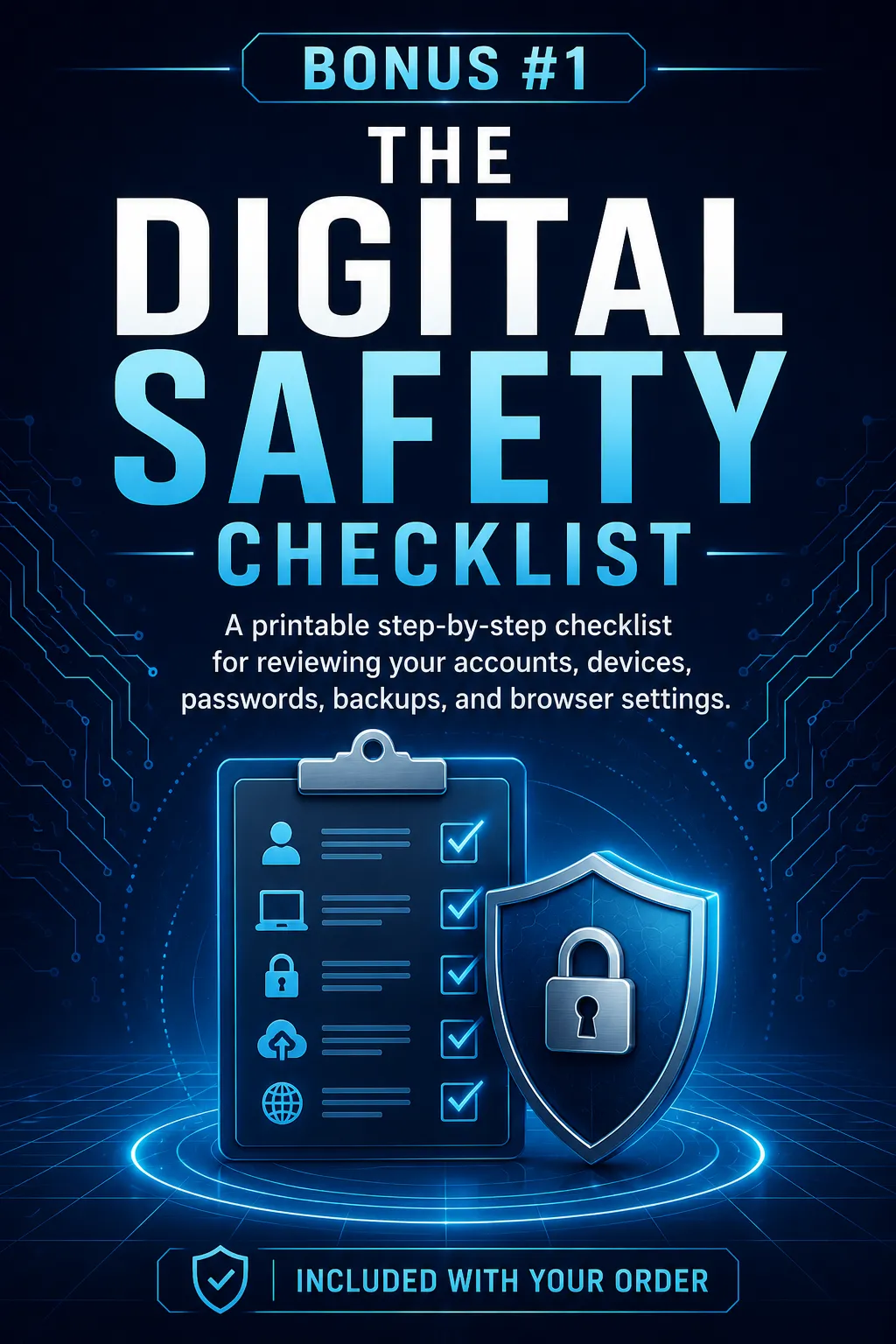
The Digital Safety Checklist helps you walk through your accounts, computer, browser, passwords, backups, and family safety settings without trying to remember everything from the book.
It turns the system into a practical checklist you can reuse.
And Before You Download Digital Fortress eBook…
I Want You To Know That There's No Catch!
I realize this is very inexpensive and that I’m practically giving it away…
And you’re probably wondering:
“If you’re doing so well with this, why would you give it away for next to nothing?”…
So there has to be a “catch”…
And I know there are some websites out there that offer you a great deal on something but then they stick you in some program that charges your card every month.
This isn't one of them.
There's NO hidden "continuity program" you have to try or anything even remotely like that.
I'm literally giving you this entire book, for $5.00, as a means of "putting my best foot forward" and demonstrating real value.
My hope is that you'll love it and this will be the start of a good business relationship for years to come. But with all that said, there is ONE thing to keep in mind:
This Won’t Last Long
The truth is...
I was planning on selling this book for $47, but that meant I had to print copies of it, store them and ship them.
Which would eat up profits and also make it much more difficult to help more people.
Then I sold the Digital Fortress book for $37 and over and over again people downloaded it at that price....
...Which was was great, but then I realized hey - this is an eBook it doesn't cost me anything to sell other than a few bucks to advertise it.
By lowering the price to $5.00 it allows me to impact more people and help them protect their money, identity, family, files, and computers.
I consider that a true win/win...
Also in most cases, I take a loss when selling the book at this price.
It costs me just over $25.00 in advertising expense to sell one book.
So why would I do that?
Simple. I'm making this offer with the idea that you'll be very impressed with what I'm giving you today, and you'll want to do more business with me in the future.
I'm betting that you'll enjoy the book so much, you'll call and ask to take additional classes or trainings from me.
Pretty straightforward.
Anyway - with all of that said, this is a limited offer.
You're Also Getting Bonus #2: The Scam Red Flag Cheat Sheet
A quick-reference guide for spotting phishing emails, fake invoices, suspicious links, fake support messages, fake delivery alerts, and urgent “click here now” traps.
And there's no charge for it. I want you to have this as my gift for checking out the book.
Plus I’m also including these amazing bonuses valued at $85
- Bonus #3: The Password Upgrade Mini-Guide - Bonus #4: The Family Computer Safety Rules - Bonus #5: The Emergency Recovery Plan
Oh. And in case you're wondering ...
Yes.
Of course there's a money-back guarantee.
In fact, I think it's ...
The BEST Money-Back Guarantee
In The World
The BEST Money-Back Guarantee
In The World
And since you’ve made it this far, I’ll assume that you’re ready to order, so with that in mind...
so Here’s How To Order Today...
Click the button below and fill out the order form, and you’ll be reading the 2 Hour Agency in the next 2 minutes.


Now Available.
Included In Your Order:


Backed by Our 100% Money Back Guarantee.
Delivered to: Your Email Address / Instant Download
$5.00
(Save $32.00 today)
Download The eBook For $37 Just $5.00! Delivered instantly. Start reading in the next 2 minutes.
Available For Instant Download
Here's to your success!
P.S. Remember, Digital Fortress comes with The BEST Money-Back Guarantee In The World.
Download it, read it, implement it, get results.
And if you’re not happy for any reason (and I mean ANY reason) - just let me know and we’ll refund you your $5.00.
Here's Everything You're Getting
For Only $5.00 Today
Included With Your Order
Digital Fortress
The Plain-English Guide to Protecting Everything You Keep on Your Computer
Included With Your Order
The Digital Safety Checklist
A printable step-by-step checklist you can use to review your most important accounts,
devices, passwords, backups, and browser settings
Included With Your Order
The Scam Red Flag Cheat Sheet
A quick-reference guide for spotting phishing emails, fake invoices, suspicious links, fake
support messages, fake delivery alerts, and urgent “click here now” traps.
Included With Your Order
The Password Upgrade Mini-Guide
A plain-English guide to stronger passwords, password managers, and two-factor authentication
Included With Your Order
The Family Computer Safety Rules
A simple family-friendly guide for downloads, links, shared devices, passwords, online
strangers, and safe computer habits.
Included With Your Order
The Emergency Recovery Plan
What to do if you clicked something suspicious, lost access to an account, saw a strange login alert, got infected, or think your information was stolen.
Read the book directly on your computer, phone, or tablet and start implementing right away.
Only $37 $5.00 Today
(Save $32.00 today) Download The eBook For $37 Just $5.00! Delivered instantly. Start reading in the next 2 minutes.
“Security is not a product, but a process.”
— Bruce Schneier
DISCLAIMER: This is not an endorsement from Bruce Schneier
You're Also Getting...
BONUS #3
A plain-English guide to stronger passwords, password managers, and two-factor authentication.
BONUS #4
A simple family-friendly guide for downloads, links, shared devices, passwords, online strangers, and safe computer habits.
BONUS #5
What to do if you clicked something suspicious, lost access to an account, saw a strange login alert, got infected, or think your information was stolen.
$122 of Actionable value!
(Yours For FREE When You Buy The Digital Fortress eBook)
Digital Fortress eBook
Digital Fortress eBook eBook ($37 Value)
The plain-English guide to protecting everything you keep on your computer.
Bonus #1
Digital Safety Checklist ($17 Value)
A reusable checklist for implementing the fourteen layers.
Bonus #2
Scam Red Flag Cheat Sheet ($17 Value)
A simple guide to spotting common online scams.
Bonus #3
Password Upgrade Mini-Guide ($17 Value)
A practical guide to stronger passwords and two-factor authentication.
Bonus #4
Family Computer Safety Rules ($17 Value)
A one-page family guide for safer computer use.
Bonus #5
Emergency Recovery Plan ($17 Value)
A plain-English action plan for digital emergencies.
Frequently Asked Questions
Do I need to be technical?
No. Digital Fortress is written for people with no technical background.
Is this just about antivirus?
No. Antivirus is only one layer. The book explains fourteen layers, including email security, passwords, two-factor authentication, backups, scams, updates, Wi-Fi, family rules, and emergency recovery.
Will this make me impossible to hack?
No. No book or tool can promise that. The goal is to reduce your biggest risks and help you
avoid common mistakes.
Can I use this to help my parents or children?
Yes. The book is written in plain English and includes family-friendly safety guidance.
Can I read it on my phone or tablet?
Yes. You can read the eBook directly on your computer, phone, or tablet.
How fast can I start?
Immediately. The eBook is delivered instantly.
This site is not a part of the Facebook website or Facebook Inc. Additionally, This site is NOT endorsed by Facebook in any way. FACEBOOK is a trademark of Meta, Inc.
This product is brought to you and copyrighted byDigital Fortress